

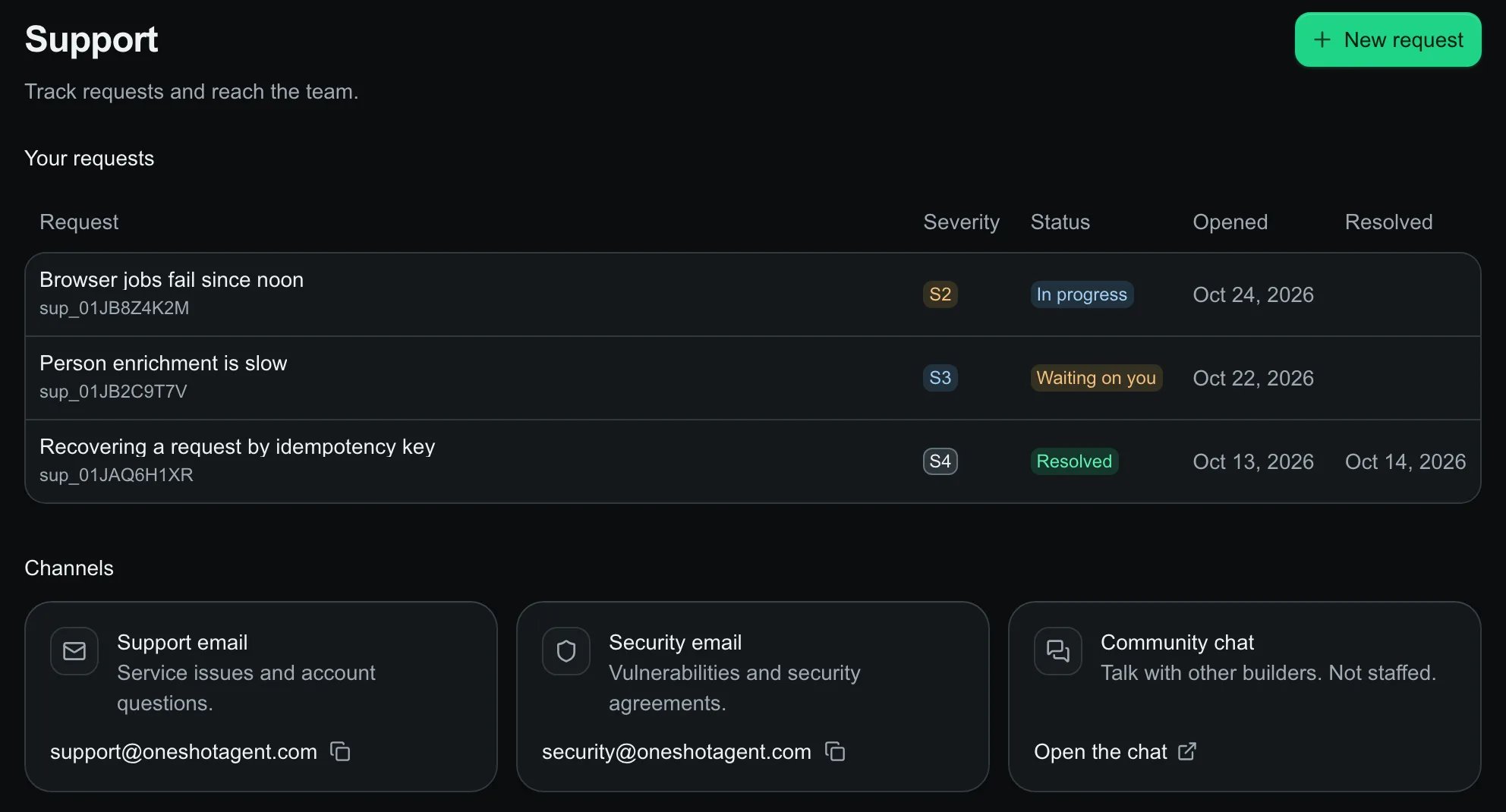
Support: your requests with severity and status, and the channels.
Raise a request
1
Open New request
On Support, select New request.
2
What's affected
Pick the severity by what you see.
3
What happened
A subject and details. No credentials or payment details.
4
Anything to link
Optional request, job, receipt or goal ids, then Send request. A confirmation arrives by email.
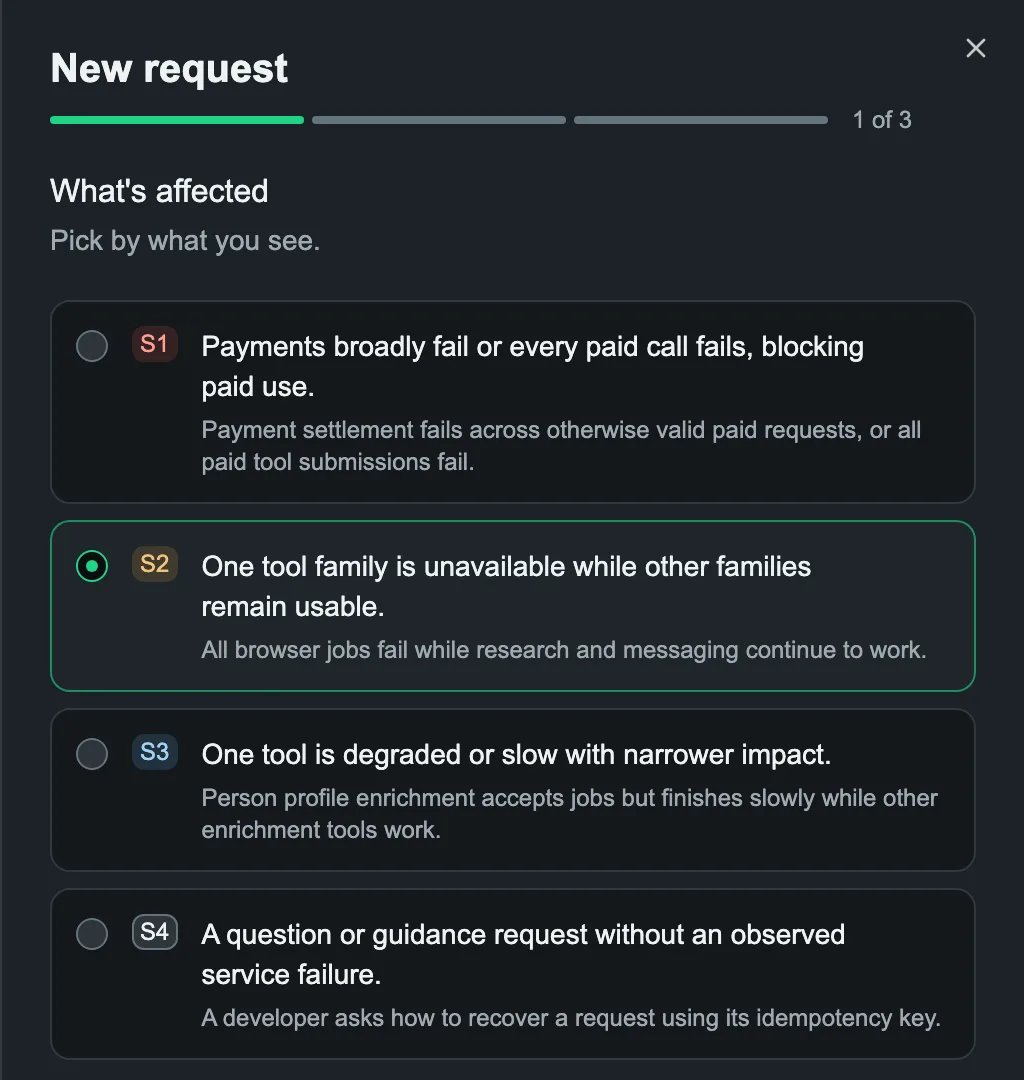
New request, step 1 of 3: pick the severity.