

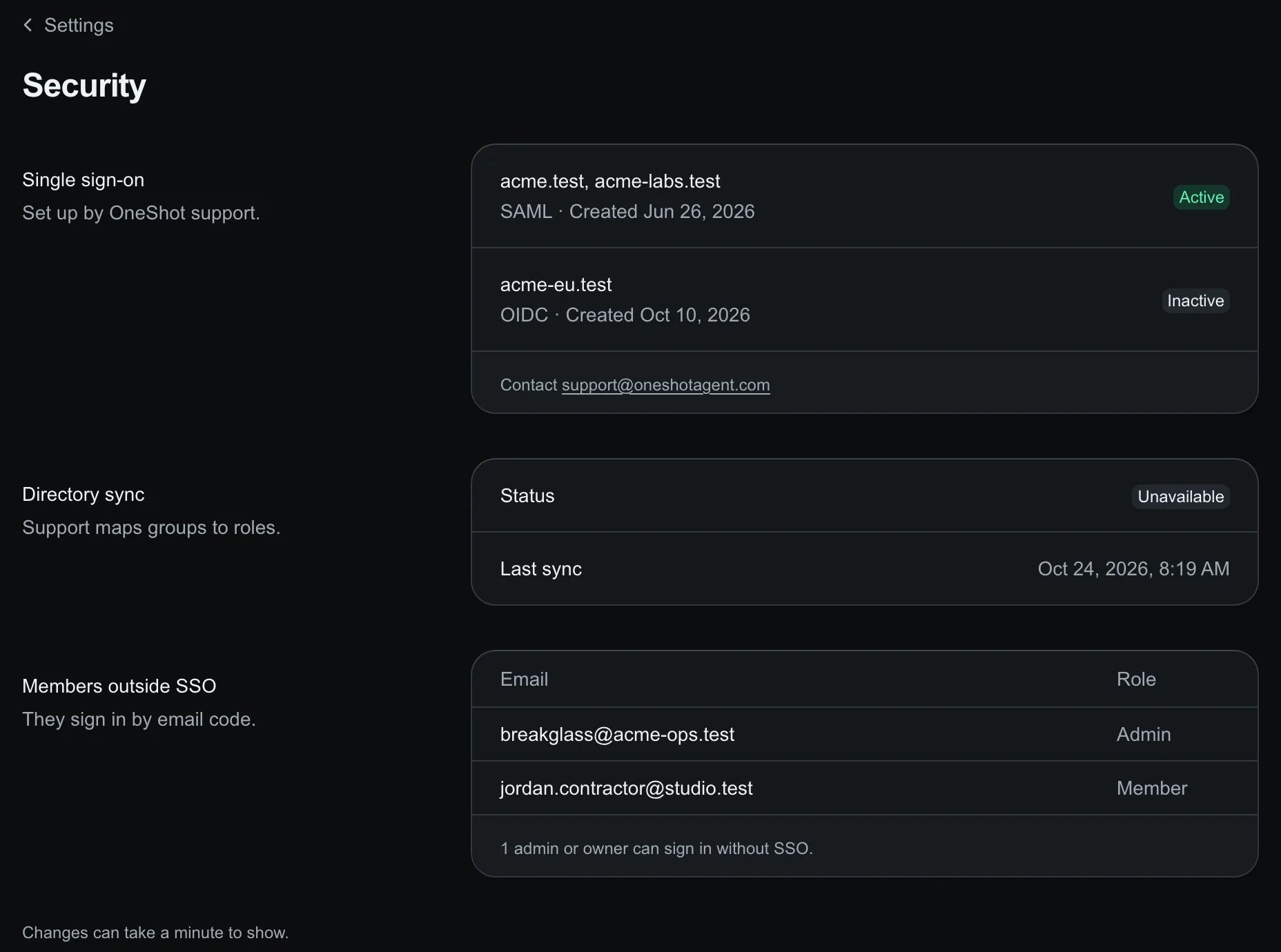
Settings → Security: SSO domains, directory sync and members outside SSO.
What the page shows
Keep at least one admin outside your SSO domains. If your identity provider is down, they can still sign in with an email code.
Change SSO
1
Raise a request
On Support, select New request and name the domains.
2
Check the page
The connection shows under Single sign-on with its status.
API
GET /v1/org/security, admin, returns what the page shows. Members receive 403.
connections: your own connections, never certificates, metadata URLs or secrets.recovery: admins and owners with a known email outside every SSO domain that applies, inactive connections and subdomains included.- A failed read returns
502, never a partial answer.